Love Lives Here | The Cut Shoppe

Hey friends! I’m back with a new layout that was recently shared on The Cut Shoppe Blog using the On the Road Cut File.
Pinkfresh Studio Dream On

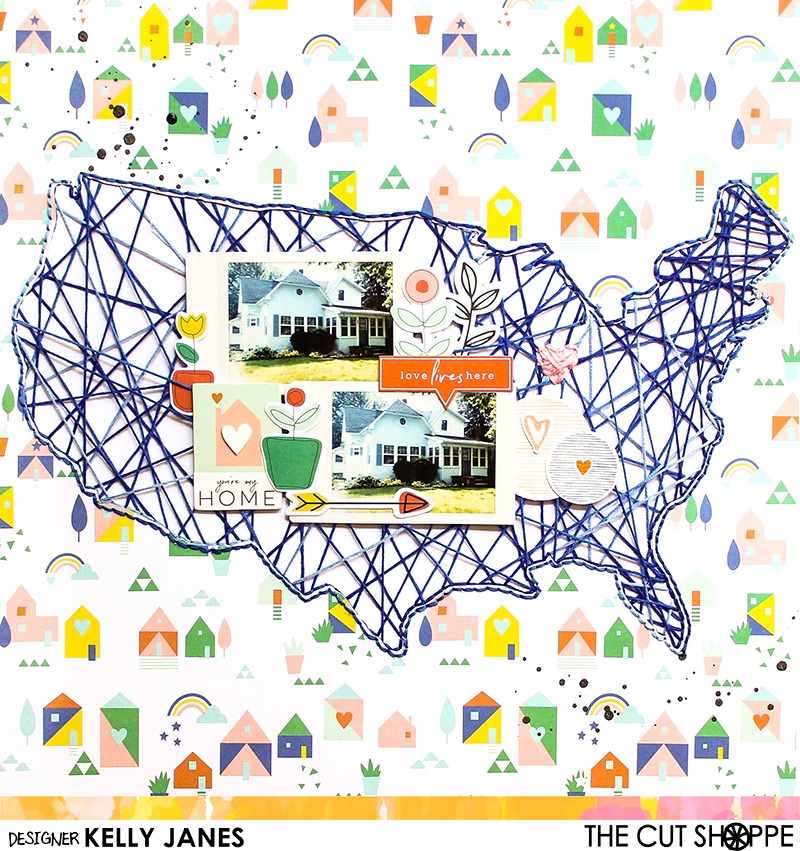
I started in Cricut Design Space 3.0 Beta and sliced out the “heart 2 travel” USA image. I then duplicated the image and used the contour feature to hide all of the icons within the image to create a solid USA shape. For the other image I used the contour feature to hide all of the icons but the heart. I then positioned the heart onto the solid USA image approximately in the area where we live. I sliced the heart through the solid USA image. I then duplicated the image and set one of the cut files to cut and one of the cut files to write. You will find a step by step Cricut tutorial in my process video at the bottom of this post.
Pinkfresh Studio Dream On

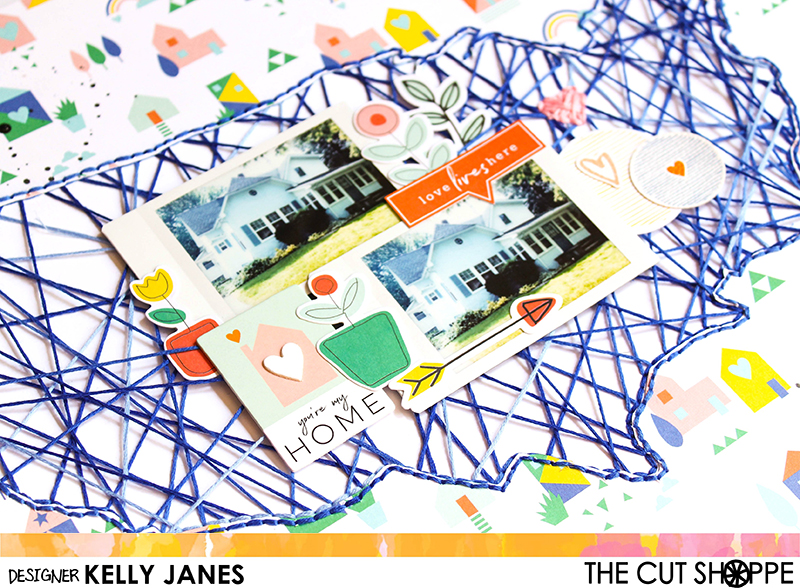
I drew the cut file image on a sheet of white cardstock using one of my Cricut pens and used blue & pink embroidery floss to hand stitch and create string art. I cut the second USA image on a sheet of patterned paper from the Pinkfresh Studio Dream On Collection. I adhered the patterned paper to the white cardstock string art USA image.

Pinkfresh Studio Dream On

The theme for my layout today is all about our home. I took a photo of our house and printed it twice using my Instax Share Printer. I positioned the photos on top of the string art using liquid adhesive. I then used multiple embellishments from the Pinkfresh Studio Dream On Collection, including chipboard, leatherette stickers, and die cuts. For final touches I added black splatters using Heidi Swapp Black Color Shine.

Pinkfresh Studio Dream On

I was so excited to win the entire Dream On Collection from a Pinkfresh Studio Instagram giveaway and this collection was the inspiration for this entire layout! I loved all the house die cuts and patterned papers. Andy and I moved into this house right after we were married and I’ve never documented our home! Probably because I didn’t have any photos of just our home! I went out and snapped this photo right before I put the layout together! HA!

Pinkfresh Studio Dream On

Now you can take a look at my process video for this layout which include a Cricut Design Space Tutorial using the new 3.0 beta software.

Remember to head to The Cut Shoppe Etsy Store to check out all of the cut files and digital collections!!

Happy (Inter)National Scrapbooking Weekend!

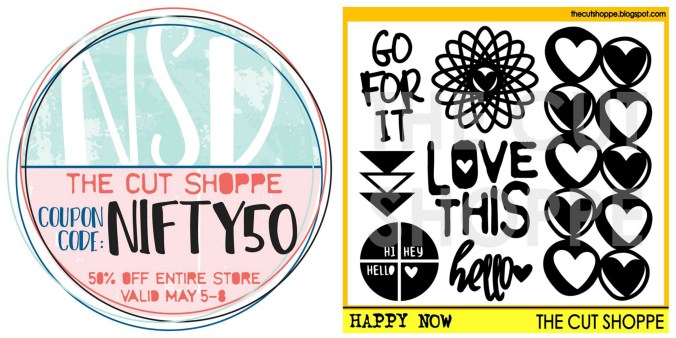
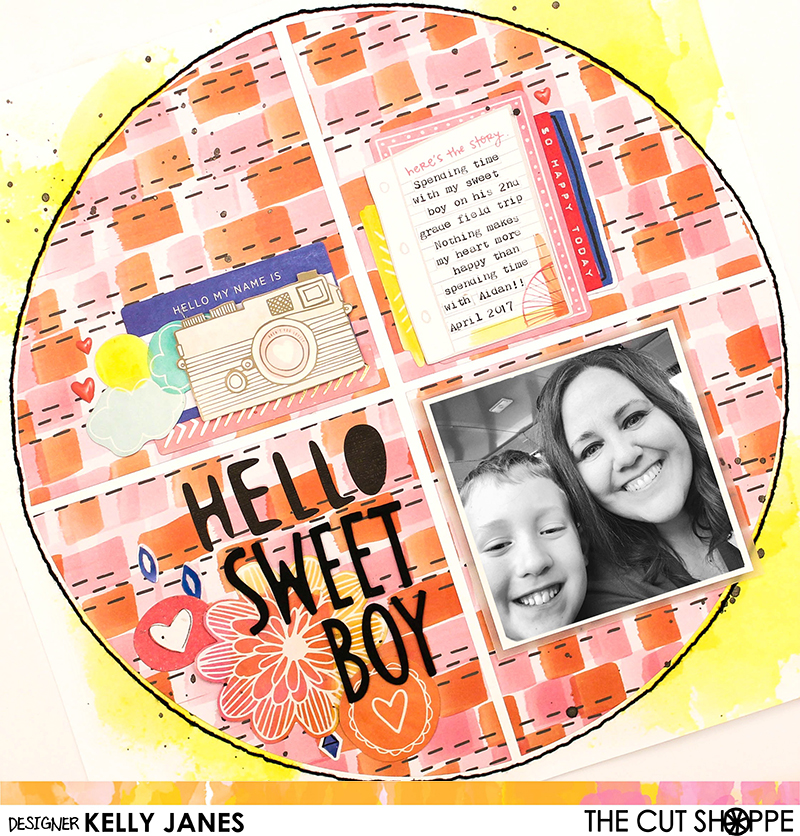
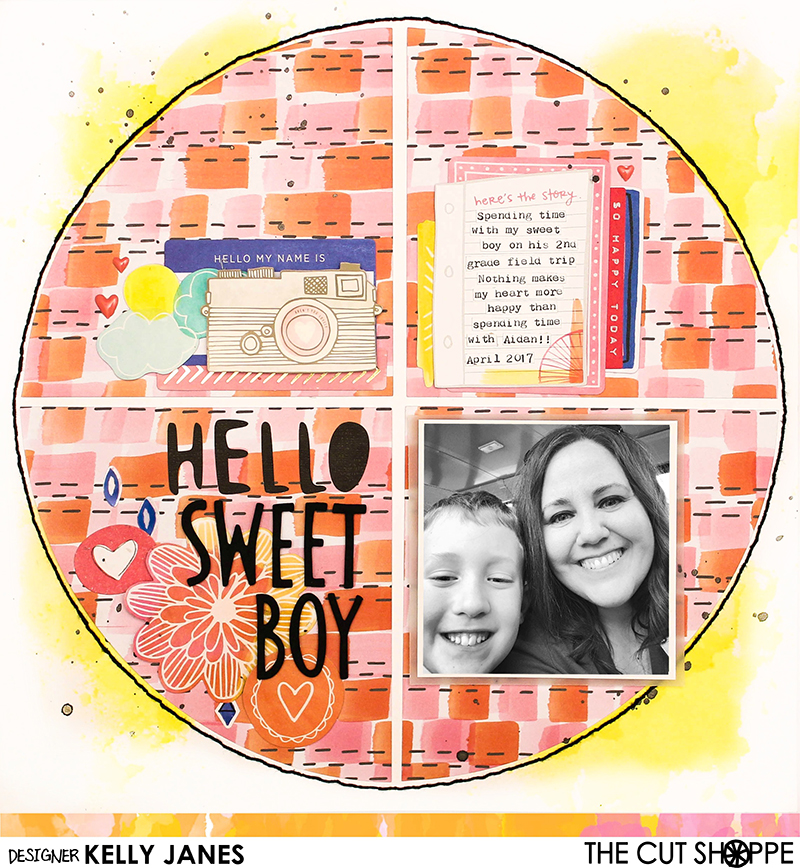
It’s (Inter)National Scrapbooking Weekend! YAY! I love any reason to scrapbook, and this is a great reason to get yourself into your craft space! The Cut Shoppe has a couple of exciting things happening today (and all weekend long!) First, there is a 50% discount for the entire weekend! Second, there is a freebie cut file that you can download straight from The Cut Shoppe Blog. Today I have a layout to share that I created a layout using the freebie cut file, Happy Now.

12x12 Design Team scrapbook layout for The Cut Shoppe. Mixed media from Shimmerz Paints, Amy Tangerine patterned papers and die cuts.

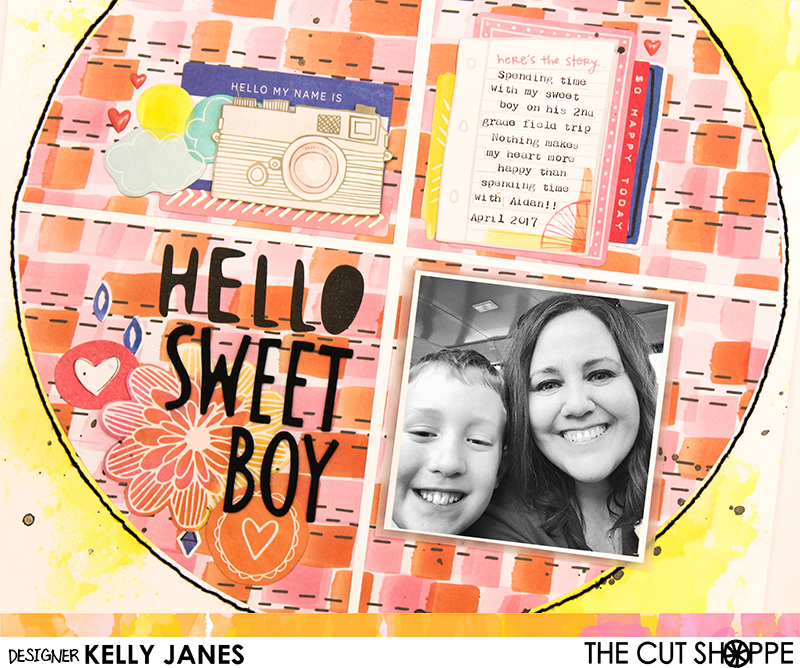
I started with a white cardstock base and added a splash of color to the background using two different colors, No Yoking Coloringz & Mandarin Mai Tai Coloringz, from Shimmerz Paints. I chose a bright and colorful patterned paper from the Amy Tangerine Finders Keepers Collection for the cut file image.

12x12 Design Team scrapbook layout for The Cut Shoppe. Mixed media from Shimmerz Paints, Amy Tangerine patterned papers and die cuts.

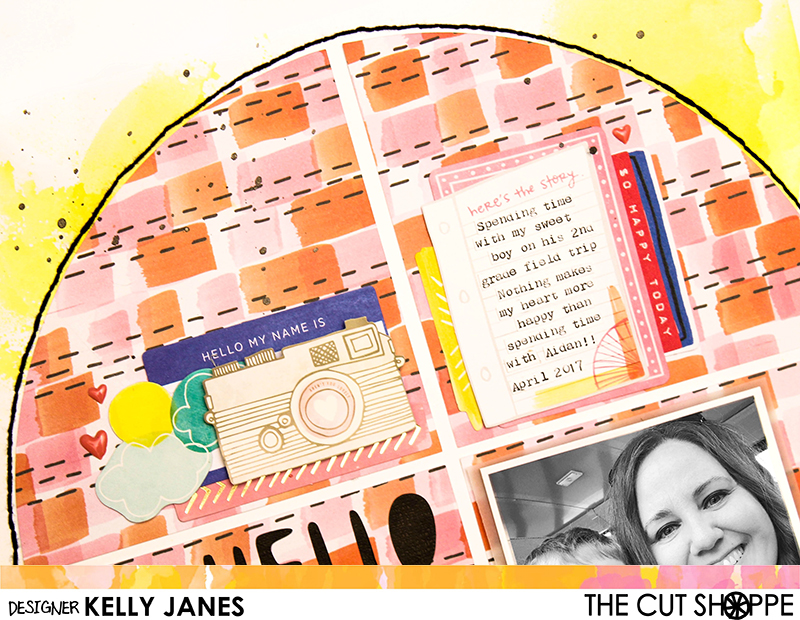
I then grabbed ephemera pieces from multiple Amy Tangerine Collections including Yes, Please and many other collections that I’ve been hoarding in my stash! I created clusters in three different areas on the cut file. I kept one of the clusters open for my journaling which I typed on my We R Memory Keepers Typecast Typewriter. I cut the journaling into small strips, similar to tiny word stickers, and added them to the journaling spot.

12x12 Design Team scrapbook layout for The Cut Shoppe. Mixed media from Shimmerz Paints, Amy Tangerine patterned papers and die cuts.

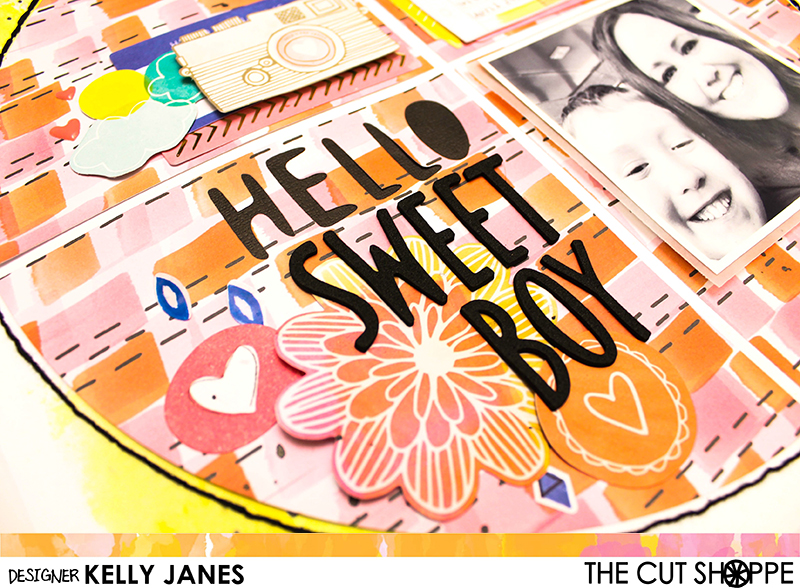
I backed the word “Hello” with black cardstock so I could incorporate it as part of my title, and I used Amy Tangerine black Thickers for the remaining words of the title. I then added my photo to the last open spot on the cut file. It’s a recent photo that I posted on Instagram from a field trip I attended with my kiddo. I’m always so grateful to be able to spend time with him during his school activities.

12x12 Design Team scrapbook layout for The Cut Shoppe. Mixed media from Shimmerz Paints, Amy Tangerine patterned papers and die cuts.

For final touches I added a few Amy Tangerine enamel hearts and a border of black hand stitching around the perimeter of the circle cut file image.

12x12 Design Team scrapbook layout for The Cut Shoppe. Mixed media from Shimmerz Paints, Amy Tangerine patterned papers and die cuts.

Now you can take a look at my process video that includes a Cricut Design Space tutorial.

Thanks so much for joining me today & I hope you find some time to be creative this weekend!