Happy Adventure | The Cut Shoppe

Today I have another layout for The Cut Shoppe and it’s another stash buster! HA!
The Cut Shoppe: Stuck On You Cut File

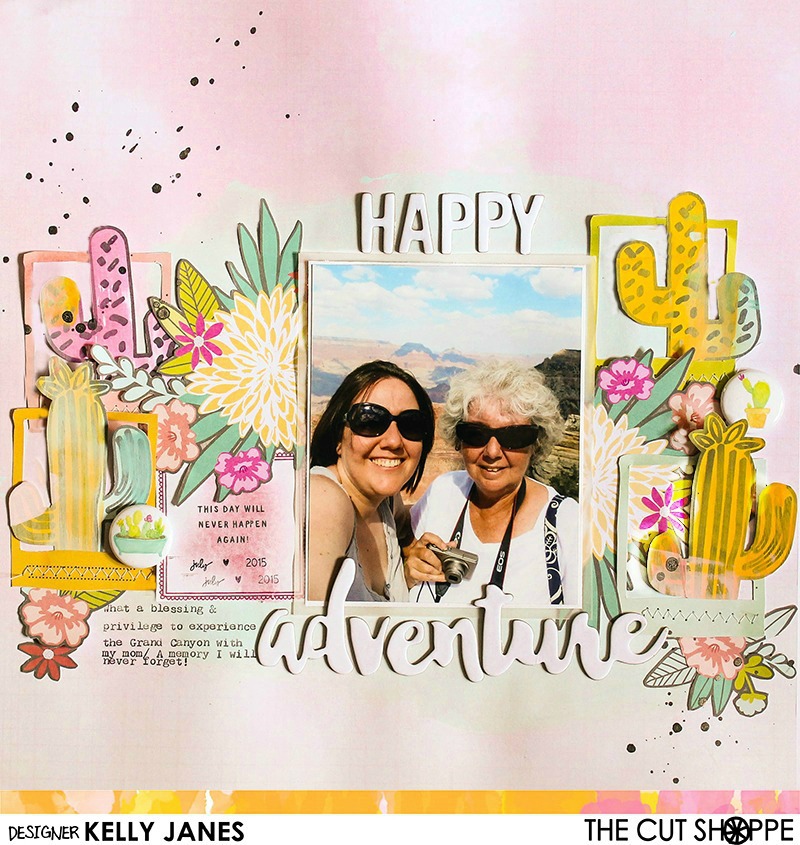
I started by using the Stuck On You Cut File in Cricut Design Space, but instead of cutting the file I used a Cricut Calligraphy Pen to draw the cacti onto white cardstock. After that was complete, I then used multiple colors of cheap acrylic paint and a foam square to put color onto the white carstock. Once they were dry I fussy cut a few of them to use as embellishments on my layout.
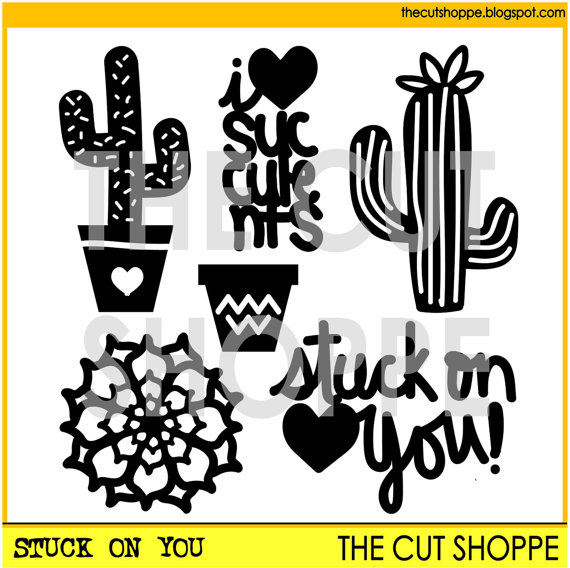
The Cut Shoppe: Stuck On You Cut File

The Cut Shoppe: Stuck On You Cut File

My background paper is a beautiful pink color and it comes from the Crate Paper-Maggie Holmes-Bloom Collection. I did add a wash of light blue acrylic paint where I would be adding my layers. I cut multiple flowers and frames from the American Crafts-Dear Lizzy-5th and Frolic Collection. I positioned the cacti inside the frames and arranged a grouping of flowers around my photo.

The Cut Shoppe: Stuck On You Cut File

I matted my photo using white cardstock and a layer of vellum. I debated on whether to create a lot of layers behind the photo, but I felt there was so much busyness already on the layout that it would be fine to stick with a simple mat. This photo was a selfie (or I guess it is technically and “usie”) that I snapped of my mom and myself during our trip to the Grand Canyon. I love this photo!! I feel privileged and blessed that my mom and I were able to experience this together.  I also debated on whether to print it in B&W but I thought it would lose some of its appeal! That sky and the background! JUST GORGEOUS!

The Cut Shoppe: Stuck On You Cut File

I added typed journaling directly onto the layout using my We R Memory Keepers Typecast Typewriter. This typewriter will become an addiction…I can feel it!  I also added a couple flair buttons from the Here Comes The Sun Collection from Pretty Little Studio. My title comes from a couple different Bella Blvd chipboard sheets. They are intended to be colored with inks, sprays, etc but I had so much color going on in this layout I felt they stood out more remaining white.

The Cut Shoppe: Stuck On You Cut File

I also added pop dots behind the top portion of the cacti to give them a little dimension and to elevate them from the background. You can see all of the dimension by the slight shadow they cast in the photo.

I’ve put together a video showing the process of how this layout came together and it also includes a Cricut Design Space tutorial on how to use the Cricut Pens.

Remember to check out The Cut Shoppe! There are cut files for all of your papercrafting needs and more are added every other week!! ALSO..don’t forget about the discount that is available the month of August! There’s still a couple days left to take advantage of this great offer!!

August 2016 Discount

Thanks for stopping by!!

Kelly Janes

Seeing Stars

Blog Hops with Heart is back with a “Seeing Stars” theme & I’m kicking things off this month! This is such a fun theme and I’m so excited to see what all the girls came up with! I technically didn’t use any stars on my layout, but I did use a STARburst cut file. That counts right? One of these days I think the girls are going to tell me I’ve gone too far off course with our themes! HA!

Scrapbook layout using cut file from Scrapbook Nerd designed by The Cut Shoppe

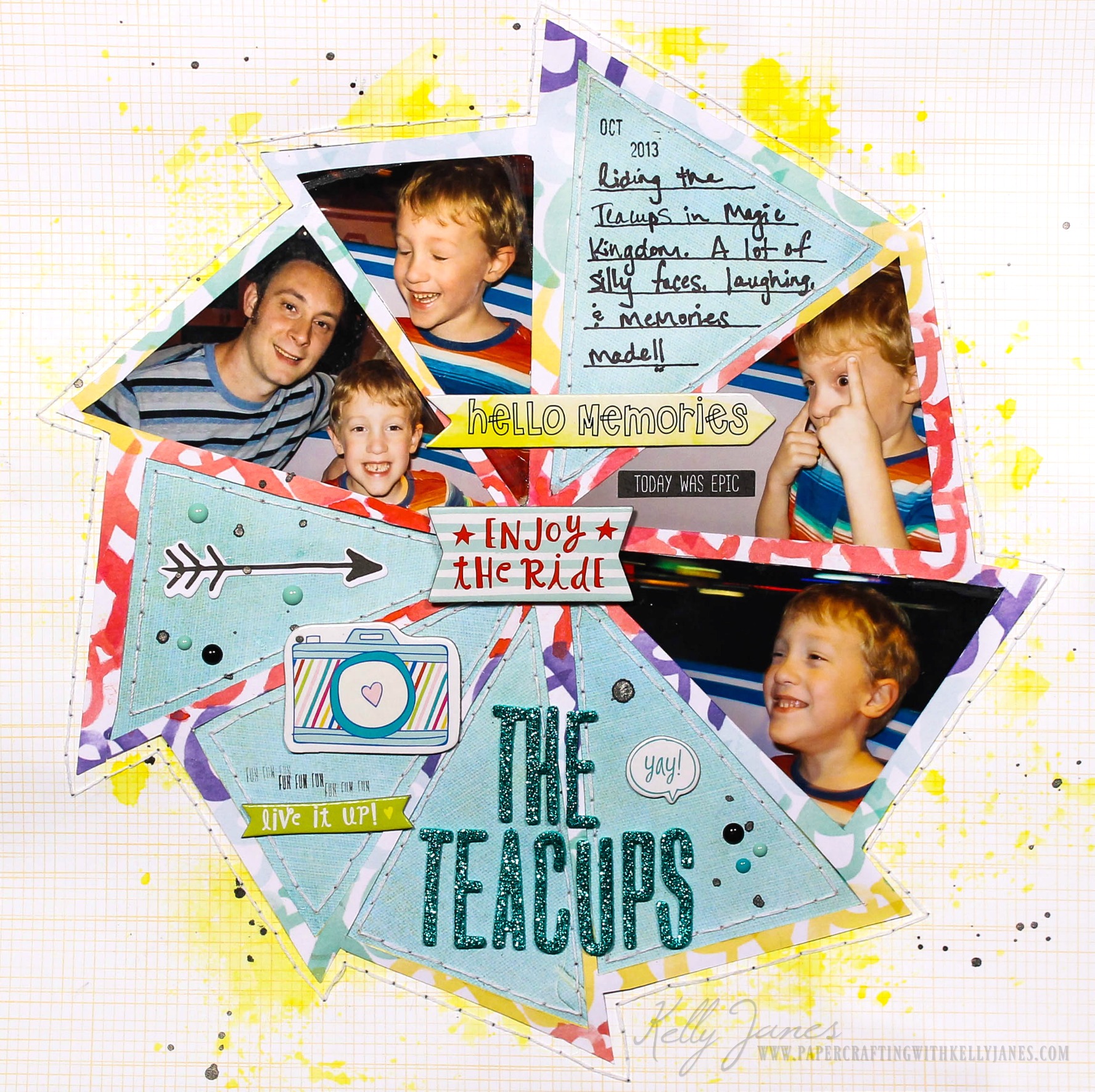
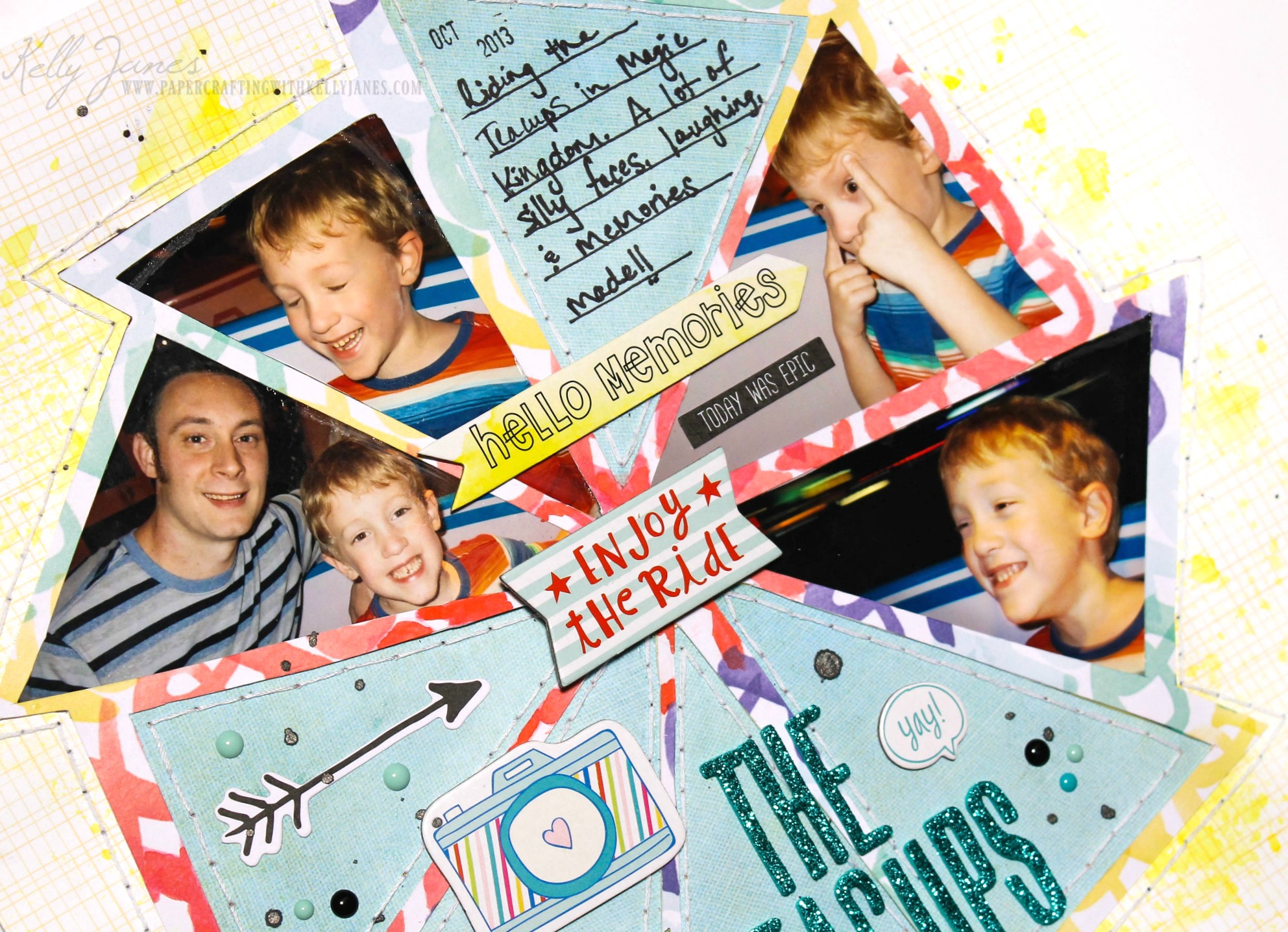
I used the free Camp Glamp Cut File from Scrapbook Nerd that was designed by The Cut Shoppe.  I just recently had these photos printed from our 2013 Disney trip and when I was sorting them I literally laughed out loud at the facial expressions that my son was making while we were on the Teacups. I’m still laughing now just thinking about them! I knew I couldn’t choose just one photo and wanted to use them all. They were all printed at 4×6 and a couple of them were a little fuzzy because of the motion of the Teacup ride. I didn’t want to reprint them to a smaller size but I knew if I didn’t find a way to shrink down the size of the photos I would never fit them on one layout. That’s when I spied this cut file! PERFECT!

Scrapbook layout using cut file from Scrapbook Nerd designed by The Cut Shoppe

I enlarged the cut file to 11.5 inches to make the center of the triangles as large as they could be. Even then I was worried they wouldn’t be large enough so I made them just a smidge bigger with the magic of Cricut Design Space and my craft knife. I cut the cut file on a patterned paper from Amy Tangerine’s Better Together Collection. This particular paper has a large, bold pattern and I love to use those types of papers for cut files! This paper also had a rainbow of XOXO’s and there was more pink than I was liking for the embellishments I was using so I used my watercolor paints to paint the pink XOXO’s into red XOXO’s.  After I had the photos in place I backed the remaining open spaces using an older Basic Grey Collection-Fact. I added hand stitched around the edge of those triangles and along the border of the cut file using white embroidery floss.

Scrapbook layout using cut file from Scrapbook Nerd designed by The Cut Shoppe

I started adding embellishments which include Becky Higgin’s “High Five” Project Life chipboard pieces and ephemera from the Hip Kit Club. I used tall, skinny, glittery teal Thickers for my title. I added a few enamel dots & splatters from Heidi Swapp Black Color Shine.

I’ve also have process video so you can see how this layout came together!

seeingstars

This month is just a short hop, but it’s full of talent! Now it’s time to head to Becca Whitham’s Blog to see what she has created!

Thanks for stopping by!
-Kelly