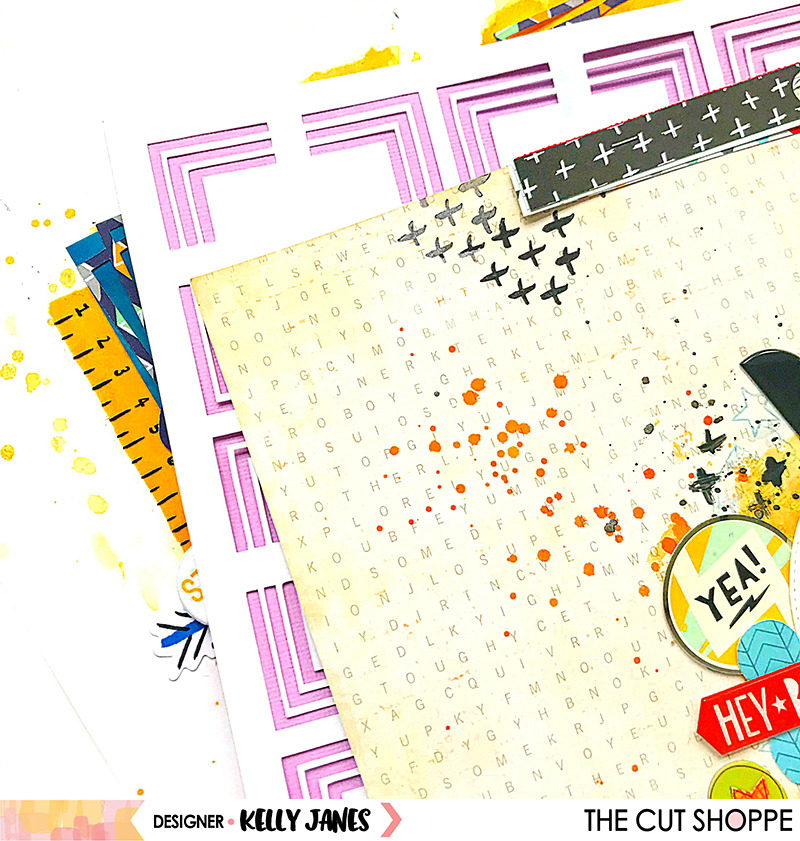
Hey friends! I’m back today with a new 12×12 layout that was recently shared on The Cut Shoppe Blog using the Squared Away Background Cut File.
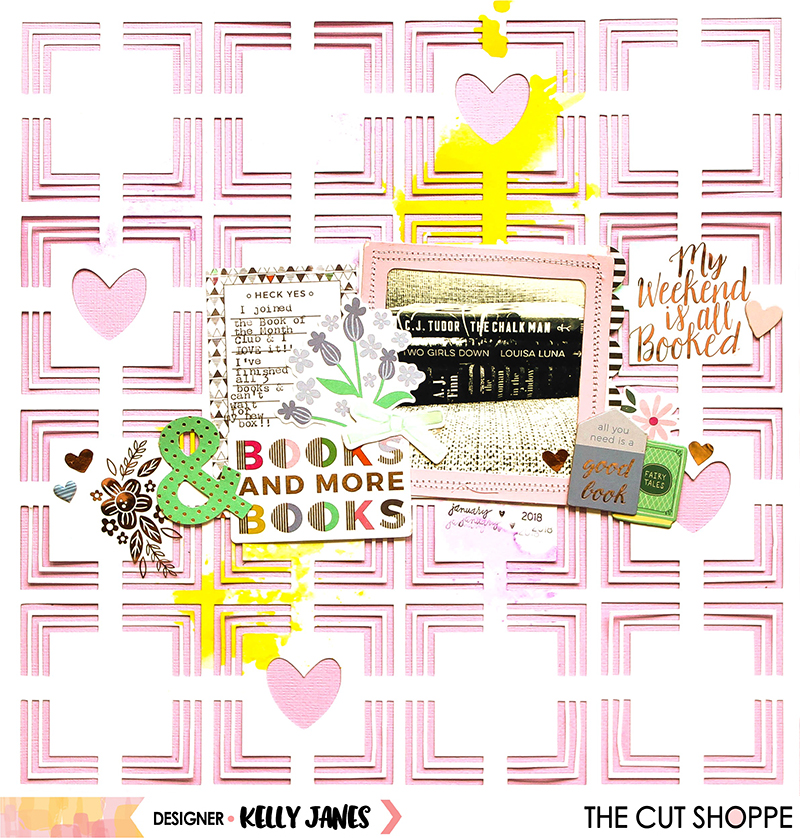
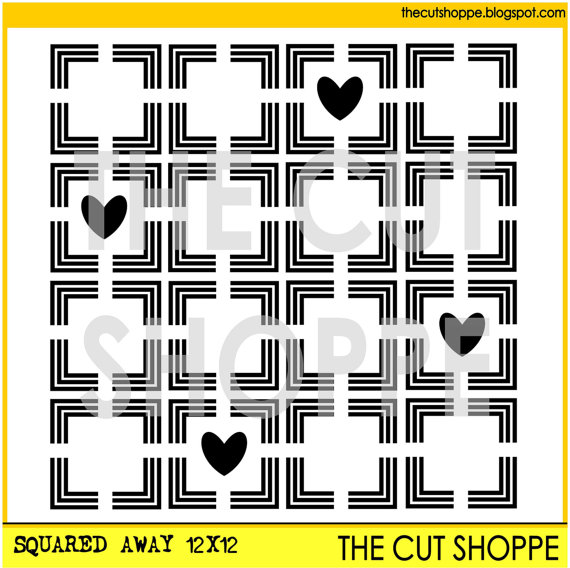
This Squared Away Background Cut File was actually one of the very first cut files I ever purchased…long before I was a Design Team member. In fact, I think this paper is actually the very first time I had ever cut a cut file using my Cricut! I had started using this background many years ago, but it ended up not working with what I was creating at the time so I set it off to the side. It ended up going from the side of my desk into a pile, then that pile ended up in a drawer, and you know how the story goes! HA! I was recently purging/rearranging my craft space and stumbled upon it! I loved the splashes of the mixed media colors that were on the background and thought it would work well with the Pink Paislee – Paige Evans – Oh My Heart Collection.

All I did was add a sheet of light purple cardstock behind and the cut file and then adhered multiple book themed embellishments from the Oh My Heart Collection around the photo. The frame on the outside of the photo was actually from my stash. It started as a muted pink, but didn’t match the Oh My Heart Collection very well. So I altered the frame using acrylic paint to help it match the collection better. I had accidentally gotten a little paint on the “Books & More Books” die cut so I covered that area with a die cut bow from the Pink Paislee – Paige Evans – Take Me Away Collection.


I used the We R Memory Keepers Typecast Typewriter to add journaling to the journaling tag. I also added multiple stickers, including the rose gold foiled stickers, from the American Crafts – Paige Evans – Sticker Book.
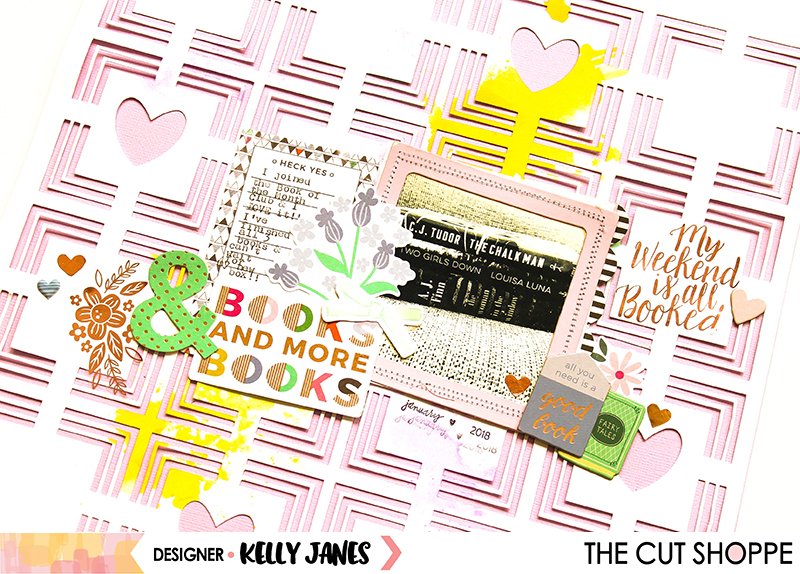
I was so happy to finally be able to use the book themed embellishments from the Oh My Heart Collection. I’ve always loved to read, but I have a hard time finding books that I wanted to read. I’m very much a suspense/murder mystery reader, and I could wander aimlessly around a library or bookstore trying to pick something to read. The choices were just a bit overwhelming. Then I came across the Book of the Month Club and LOVE it! There are 5 new books released each month, you can choose up to 3 books (from the current month or previous months), and they ship them directly to you…for FREE! Each book on their site has synopsis and is categorized into different genres so it is so easy for me to find the book(s) I want to read! This photo is of the first three books I received in my very first book box last month! I absolutely loved all three books! I just received my February box this week and have already dived into my first book!
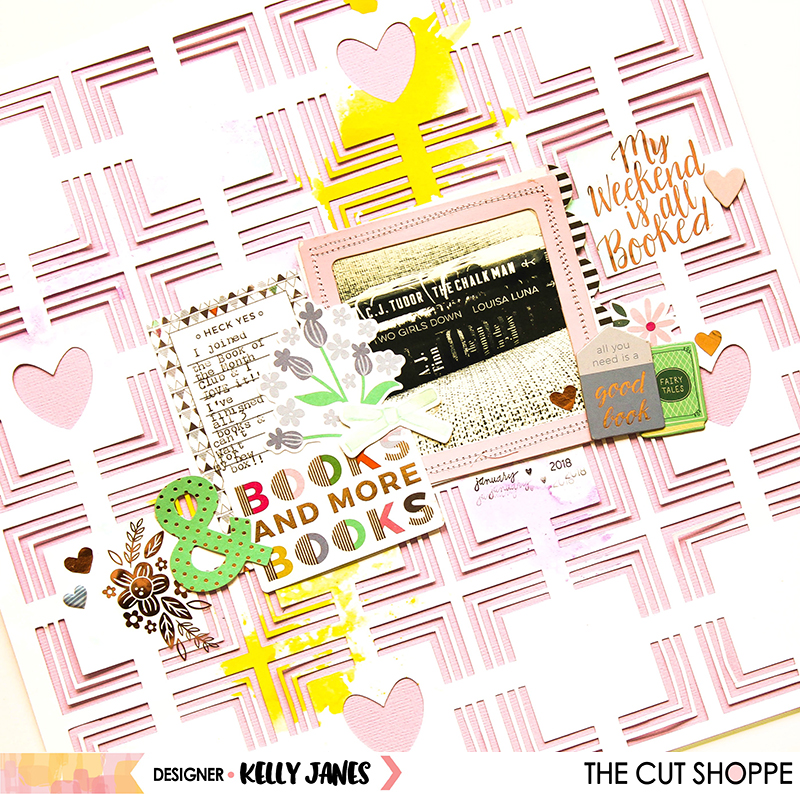
Before I leave you today I want to give you a sneak peek of a few layouts (including the one I shared today). I mentioned in my last process video that I typically only scrapbook when I have a rapidly approaching deadline, but I actually scrapbooked just for fun (GASP!) recently. Lucky for me I use The Cut Shoppe Cut Files on almost every page I create so I will be able to use those “just for fun” layouts for my Design Team assignments. Win + Win!
Now you can take a look at my process video for the Books & More Books layout!
Thank you so much for spending part of your day with me!




 Papercrafting with Kelly Janes